
Blacklist
By the end of this page, you’ll know how to stop a specific member (or anyone holding a specific role) from opening new tickets on your server.
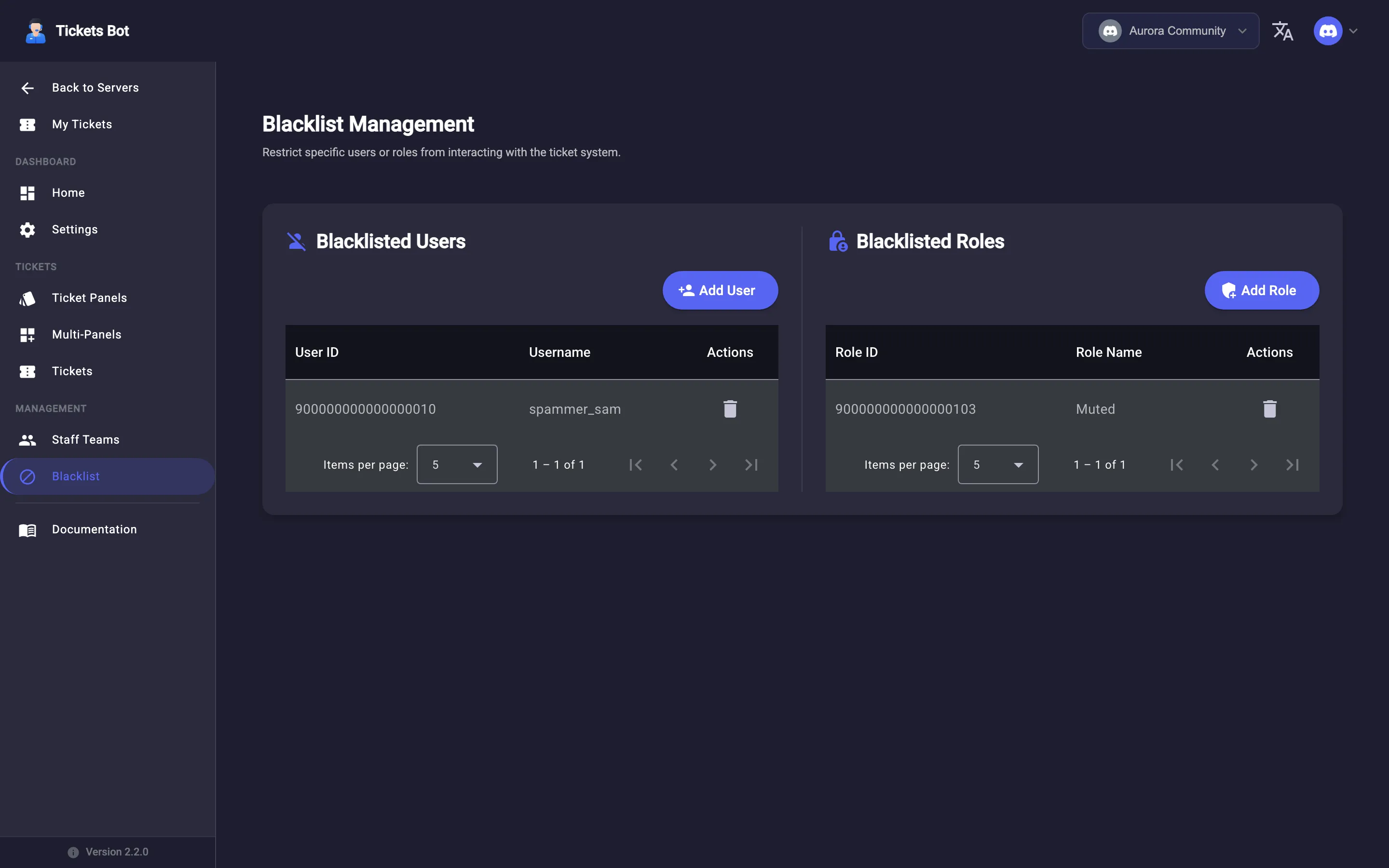
Blacklist in the sidebar has two columns: Blacklisted Users and Blacklisted Roles. Click Add User or Add Role, pick who to block, and confirm. Either table lets you remove an entry the same way.
Blacklisting only prevents new tickets - it doesn’t affect tickets someone already has open, and doesn’t remove them from a server or any role. It’s purely a gate on the “open a ticket” button.
Return to Managing tickets, or see My Tickets for the member-facing side of tickets.